.svg "2Win logo25 white (1)")



Leverage Video Before, During, & After Your Next Software Demo!
Want to accelerate your technical win? This article will teach you how to leverage video in your next software demo to close deals faster!
1 min read


Purposeful movement in a presentation is good. Wandering, not so much.
Time can be a simple marker to determine if you’re wandering or moving purposefully. Here are three rules-of-thumb:
If what you have to say is going to take more than a minute, move a significant distance from your home position, typically your laptop. In other words, truly approach the audience to drive a higher level of engagement.
If your point can be made in 10-60 seconds, move an arm’s length or so from your laptop. You’re “un-tethering” from your home position, but not wandering too far. Think about it. If your comment is only going to take 15 seconds, you’ll spend 5 seconds moving to the center of the room, 5 seconds making your comment, and 5 seconds walking back to your laptop. That’s pacing, not purposeful movement.
If your comment is less than 10 seconds, you’re better off staying behind your laptop and using some type of screen pointing technique (mouse, zooming, highlighting, etc.). Screen pointing is still movement. In fact, it’s more purposeful than walking over to the screen, pointing at one thing, and then walking back to your laptop. More than a minute: A scene opening or closing. 10-60 seconds: An opening tell or a closing tell for a sub-scene item.
Less than 10 seconds: Sprinkle context and benefits during your “show”.
One closing thought: don’t leave home without your clicker. When moving more than an arm’s length from your laptop, bring a screen advance & pointing device with you The most un-purposeful movement in the world is being in the middle of the room, with the audience tuned in to your message (got’em), only to have to walk back to your laptop to advance to the next slide (lost’em). It’s far more engaging when if you move to the next visual element of your presentation without changing your physical location. If your minute-or-more dialogue doesn’t involve any screen changes or highlighting, fine. Better to have the clicker and not use it, than to not have it and need it.
Want to accelerate your technical win? This article will teach you how to leverage video in your next software demo to close deals faster!
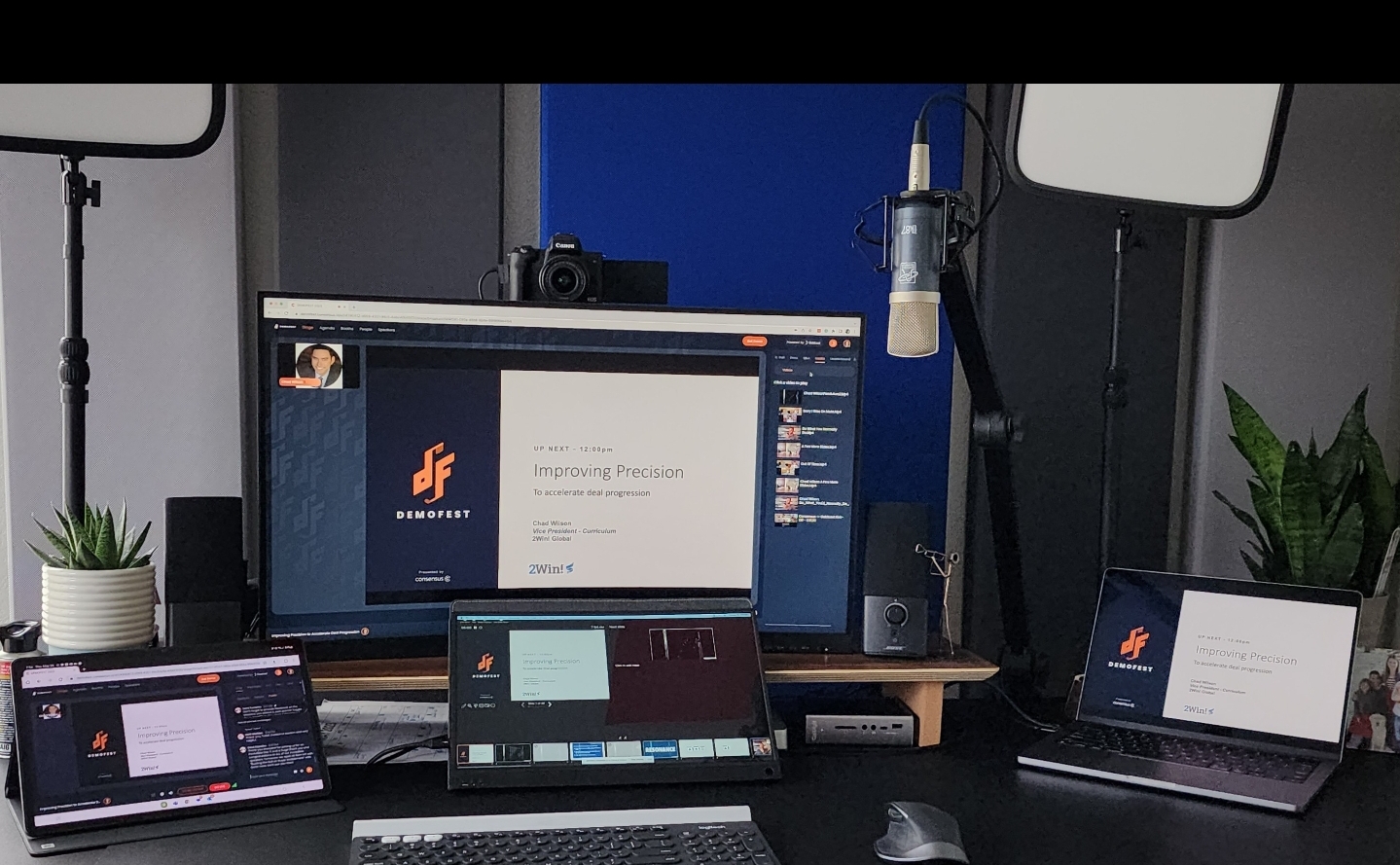
Equip your home office for success with 2Win's gear recommendations for audio, lighting, webcams, and more. Boost your professionalism and create an...

Read more about why using personal video in communicating with prospects is so important. Here are some tricks and tips, including what tools you...